
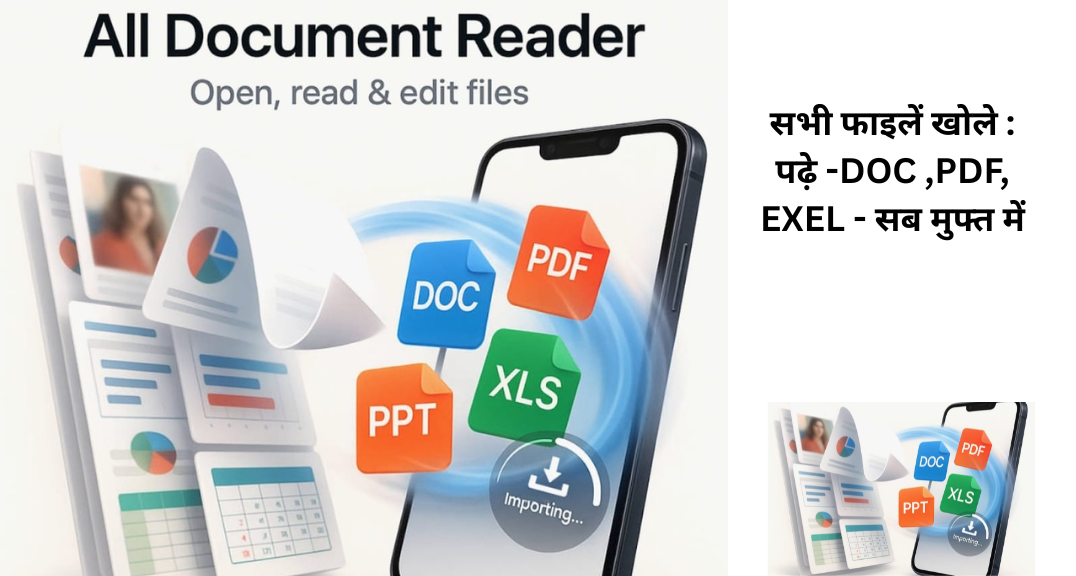
અહીં હું તમને ઝડપી, સાફ અને સ્ટેપ-બાય-સ્ટેપ માર્ગદર્શન આપી રહ્યો છું કે કેવી રીતે બધી ફાઇલો વાંચવી/ખોલવી અને એપ્લિકેશન (app) ની સંપૂર્ણ માહિતી મેળવવી — Windows, macOS, Android અને Linux માટે. હું ડિવાઈસમાં સીધા ફેરફાર નહીં કરી શકું, પણ આ સૂચનોને ફોલો કરીને તમે બધા જરૂરી સ્ટેપ અમલમાં લાવી શકશો.
Here is the complete Step-by-Step Guide in English for reading, opening, checking, and understanding all types of files + app info on any device.
✅ 1) Basic Preparation (For All Devices)
- dentify file type (PDF, DOCX, JPG, ZIP, MP4, APK, EXE).
- Create a backup before editing.
- Run a security scan for unknown files.
- Check file size & storage.
✅ 2) Windows (PC/Laptop)
⭐ A) View & List Files
- Open File Explorer → navigate to folder.
- Show hidden files: View → Hidden items.
⭐ B) Open Files
- PDF → Adobe Reader / Browser
- DOCX/XLSX → MS Office / LibreOffice
- Images → Photos
- Zip/RAR → Right-click → Extract All / 7-Zip
⭐ C) Check File Details
- Right-click file → Properties → General / Details
- (Shows size, date, author, metadata)
⭐ D) Application Info
- Settings → Apps → Installed apps → Select app
- Version
- Storage
- Permissions
- Uninstall
- Classic: Control Panel → Programs & Features.
⭐ E) Command Line (Advanced)
- dir → list files
- type filename → view text
- certutil -hashfile file MD5 → check file hash
✅ 3) macOS (MacBook/iMac)
⭐ A) Open Files
- PDF → Preview
- DOCX → Pages / MS Office
- ZIP → Double-click (auto unzip)
⭐ B) Show Hidden Files
- Press Cmd + Shift + . (dot)
⭐ C) File Info
- Right-click → Get Info (Cmd + I)
⭐ D) App Info
- Applications → select app → Get Info
- Version
- Size
- Location
- Permissions
⭐ E) Terminal
- ls -la → list all
- file filename → file type
- cat filename → read document
✅ 4) Android (Mobile)
| ⭐ A) Open Files Use Files by Google or File Manager PDF → Google PDF Viewer / Drive DOCX → Google Docs ZIP → Extract using Files or ZArchiver ⭐ B) App Info Settings → Apps → See all apps → Select app Permissions Storage Notifications Clear cache Uninstall ⭐ C) Media Info Gallery → Image → Details (metadata) |
✅ 5) Metadata & Security Tips
- Remove hidden data before sharing (Word → Inspect Document).
- Remove EXIF info from photos.
- Always virus-scan downloaded files.
- Use password protection for sensitive PDFs.
✅ 6) Super Quick Checklist
- ✔ File type known
- ✔ Safe source
- ✔ Backup created
- ✔ Virus scanned
- ✔ Metadata checked
- ✔ Correct app to open
- ✔ Right sharing settings
- ✔ Sensitive data removed
✅APPLICATION DOWNLOD
Bank of Baroda Bharti 2025: ₹15,000 સ્ટાઇપેન્ડ સાથે 2700 જગ્યાઓ માટે ભરતી શરૂ
સ્વદેશી whatsapp મેડ in india arratai ગ્રુપમાં join માટે


